




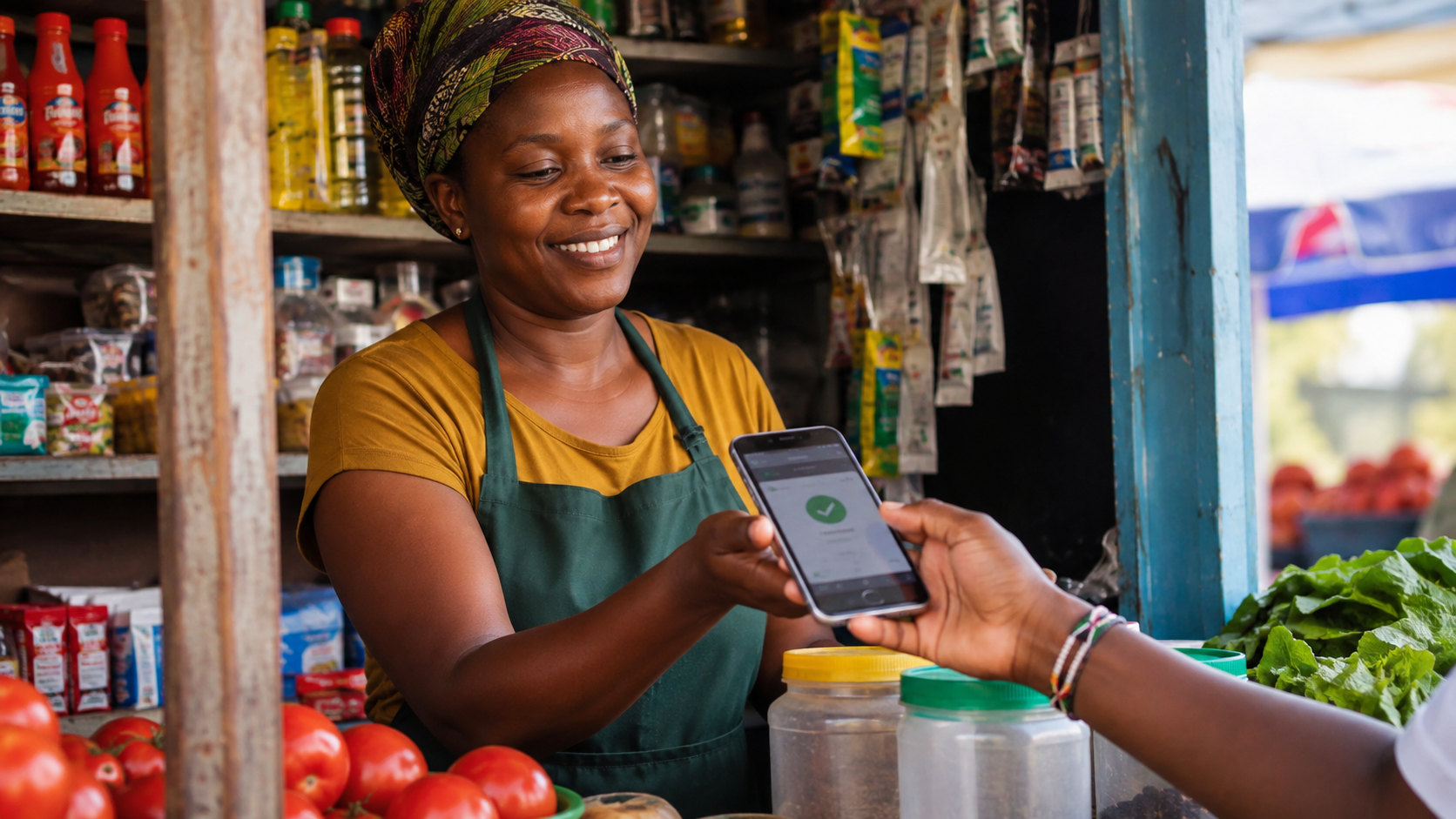
A Small Feature With a Big Audience: Kenya's Jua Kali and Mama Mboga Traders
Safaricom has rolled out an expansion of its Pochi Kadogo service into Western Kenya, alongside its recent data bundle upgrades and new bundled device-and-data packages. For readers outside the small-business world, Pochi Kadogo might sound like a minor update. For the thousands of small traders, kiosk owners, and jua kali artisans it targets, it's a meaningful change to how they collect payment day to day.
What Pochi Kadogo Actually Is
Pochi Kadogo is Safaricom's free business payment feature built directly into a personal M-PESA line, it lets small traders receive customer payments into a dedicated "business" pocket on their existing phone number, separate from their personal M-PESA balance, without needing to register for a full Till Number or Paybill account. It's designed for the trader who sells small amounts throughout the day and doesn't want personal and business money mixed together, or the transaction-fee structure that comes with a full Till.
Pochi Kadogo vs a Regular Till Number
- Setup: Pochi Kadogo activates instantly through the M-PESA menu on an existing line; a Till Number requires business registration documents and approval
- Cost: Pochi Kadogo is free to set up, with no fixed monthly fee; Till Numbers can carry setup and maintenance costs depending on the package
- Best for: Pochi Kadogo suits informal traders, boda riders, and micro-businesses; a Till Number suits registered businesses that need receipts, multiple staff access, or integration with accounting/POS systems
- Separation of funds: both keep business money separate from personal M-PESA, but Pochi Kadogo does it without the paperwork
Why the Western Kenya Expansion Matters
Extending Pochi Kadogo's availability into Western Kenya brings a formal, fee-light digital payment option to a region with a large population of small agri-traders and market vendors who have historically relied on cash or informal mobile money workarounds. Combined with Safaricom's other August 2026 updates, including bundled data-and-device packages aimed at drivers and riders, it's part of a broader push to get more small-scale commerce onto trackable digital rails.
How to Activate Pochi Kadogo
- Open the M-PESA menu on your Safaricom line (USSD *334# or the My Safaricom / M-PESA app)
- Select the Pochi Kadogo or "Business" option and follow the prompts to activate
- Share your Pochi Kadogo number with customers the same way you'd share a Till Number, they select "Buy Goods" and enter your number
- Funds land in your dedicated Pochi Kadogo balance, viewable separately from your personal M-PESA balance in the app or via USSD
Should You Switch From Cash to Pochi Kadogo?
If you're currently taking cash-only payments and losing track of daily sales, or manually separating "shop money" from "personal money" in an envelope, Pochi Kadogo solves a real, specific problem at zero setup cost. It won't replace a full Till Number if you eventually need receipts, staff logins, or accounting integration, but for a huge number of small Kenyan traders, it's the easiest on-ramp to digital payments available today.
FAQ
Is Pochi Kadogo free to use?
Yes, it is free to activate and has no fixed monthly fee, unlike some Till Number packages.
Can I use Pochi Kadogo and a Till Number at the same time?
Yes, they can coexist; many traders start with Pochi Kadogo and upgrade to a full Till Number as their business formalises.
Where is Pochi Kadogo now available?
It is available nationally on Safaricom lines, with Safaricom specifically expanding promotion and uptake support into Western Kenya as of August 2026.
Sources / Further Reading
- Brand Spur, Safaricom Unveils Enhanced Data Bundles, Pochi Kadogo Expansion in Western Kenya
- GadgetPack, 10 Ways to Sell More Using WhatsApp
- GadgetPack, WhatsApp Business API in Kenya: Do You Need It?
